Install WordPress from Bash on Ubuntu 24.04
Introduction:
Installing WordPress doesn't necessarily require a graphical hosting control panel. You can install and configure the entire application directly from the Linux command line using Bash.
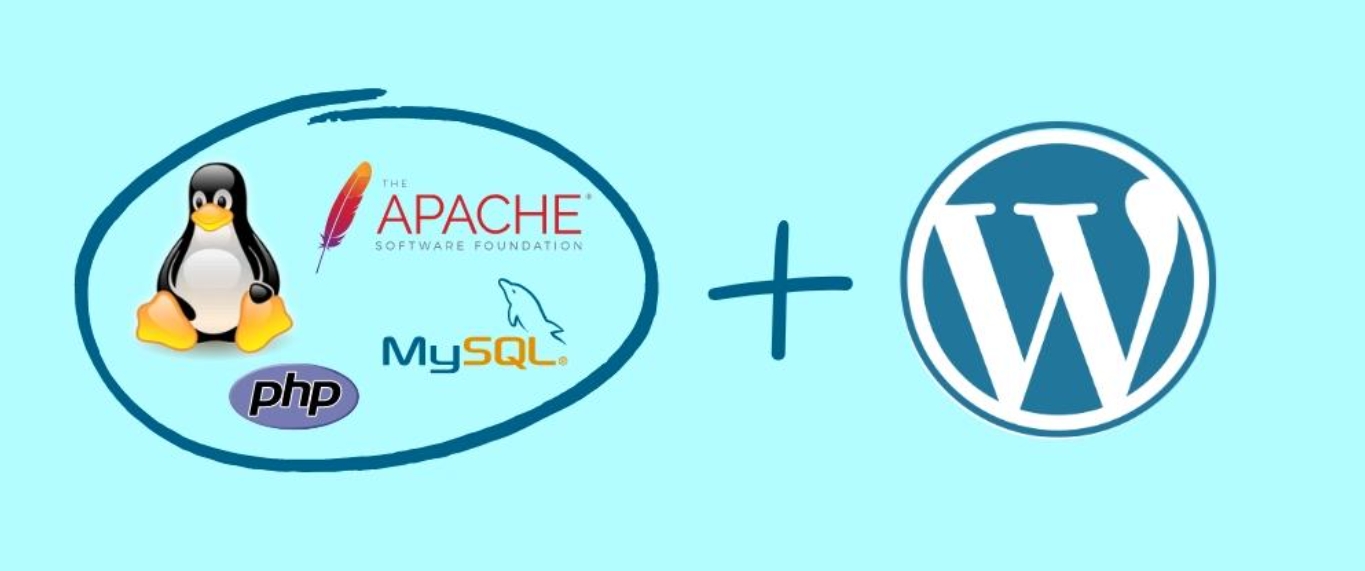
In this tutorial, we'll install WordPress on a fresh Ubuntu 24.04 LTS server using Apache 2.4 as the web server, MariaDB as the database server, and PHP-FPM as the PHP processing engine. We'll also use WP-CLI to simplify WordPress installation and administration. The result will be a lightweight, independently managed WordPress installation without unnecessary hosting-panel dependencies.
Understanding the architecture
Before installing anything, let's understand how these components work together.
- Apache 2.4: Receives incoming HTTP/HTTPS requests and serves website content.
- PHP-FPM: Processes PHP scripts requested by Apache.
- MariaDB: Stores WordPress posts, pages, users, settings and other application data.
- WordPress: The application that powers the website.
Apache communicates with PHP-FPM through a Unix socket. PHP-FPM communicates with MariaDB when WordPress needs to retrieve or update database information.
This separation makes the stack modular and easier to maintain.
sudo apt update
sudo apt upgrade -y
Now install Apache, MariaDB, PHP-FPM and the commonly required PHP extensions.
- Numbered list #1
- Numbered list #2
- Numbered list #3
- Numbered list #4
- Bullet List #1
- Bullet List #2
- Bullet List #3
- Bullet List #4
- ☐ Item #1
- ☐ Item #2